This help document will explain how to add news articles to your venuedirectory.com listing.
One of the ways in which to further promote your venue on venuedirectory.com and agents is to publish news articles.
These will appear on www.venuedirectory.com within the News & Offers section.
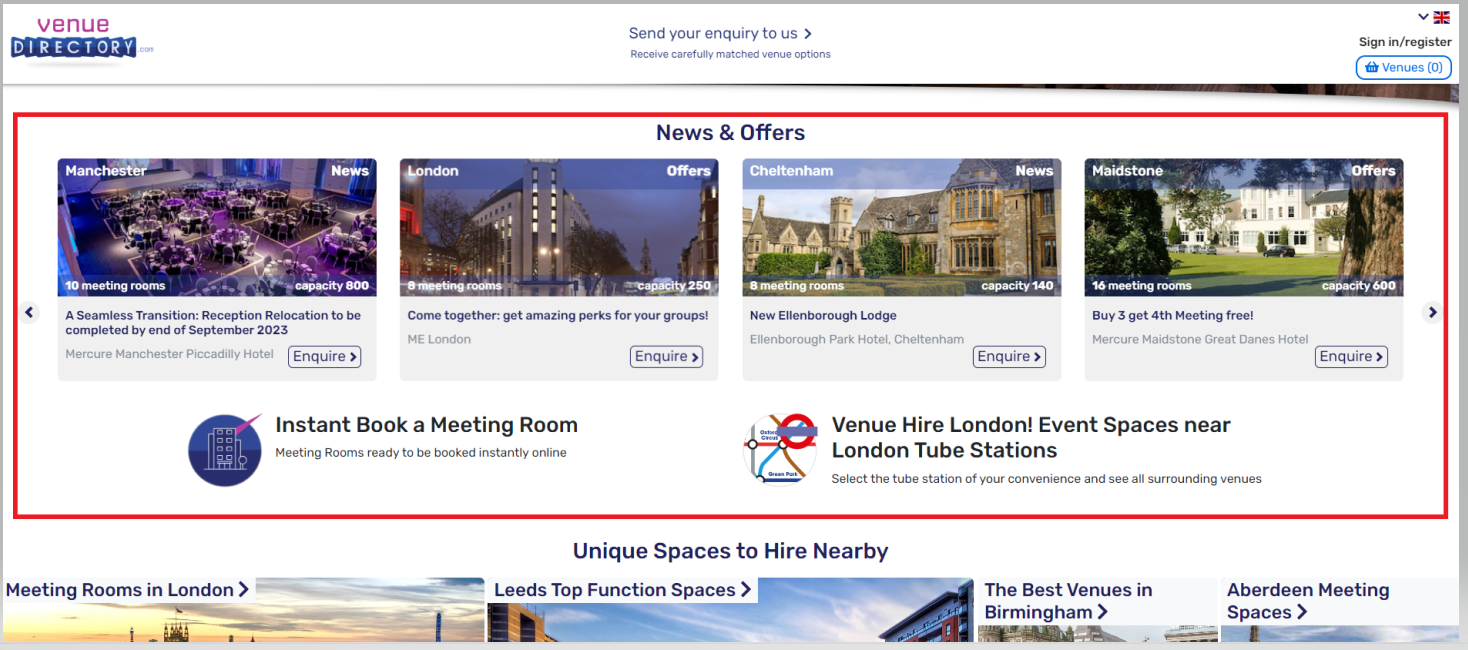
TABLE OF CONTENTS
How to add a News Article
Firstly, ensure that you are logged into www.myeventschannel.com with your e-mail address and password.
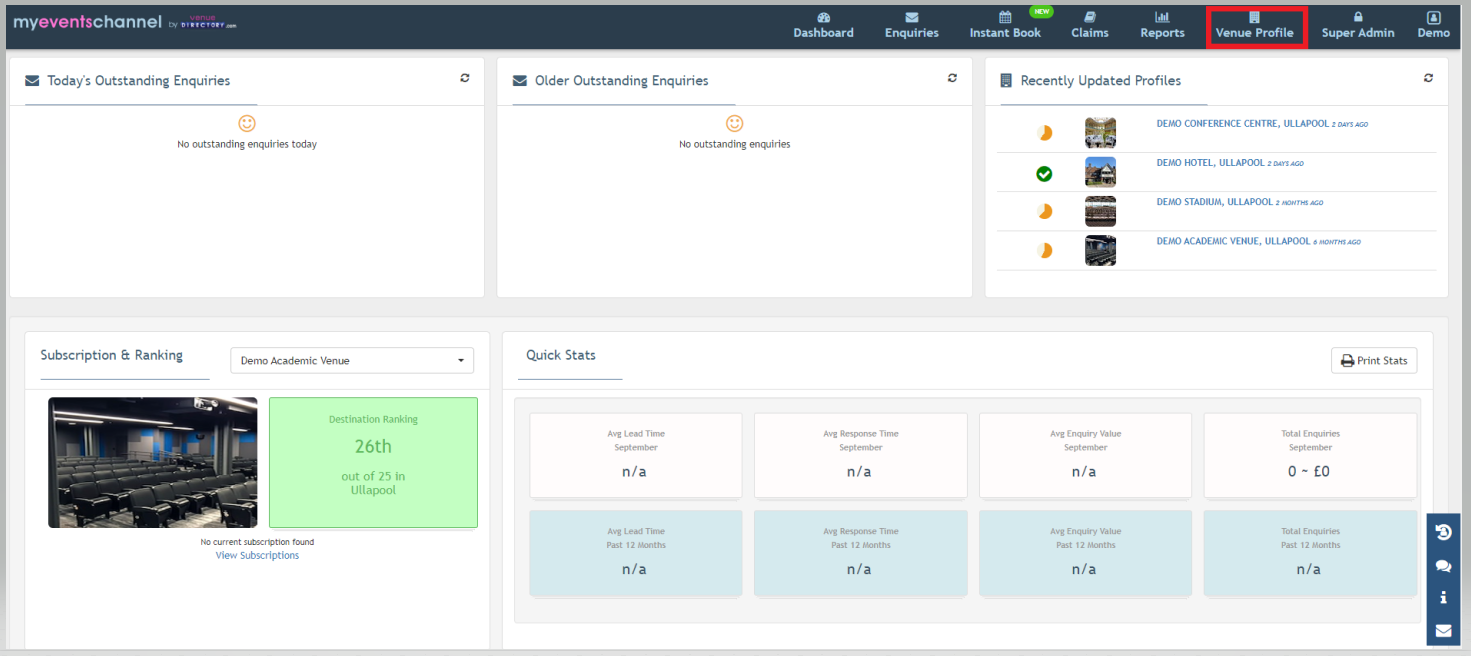
Select the "Venue Profile" from the dashboard.
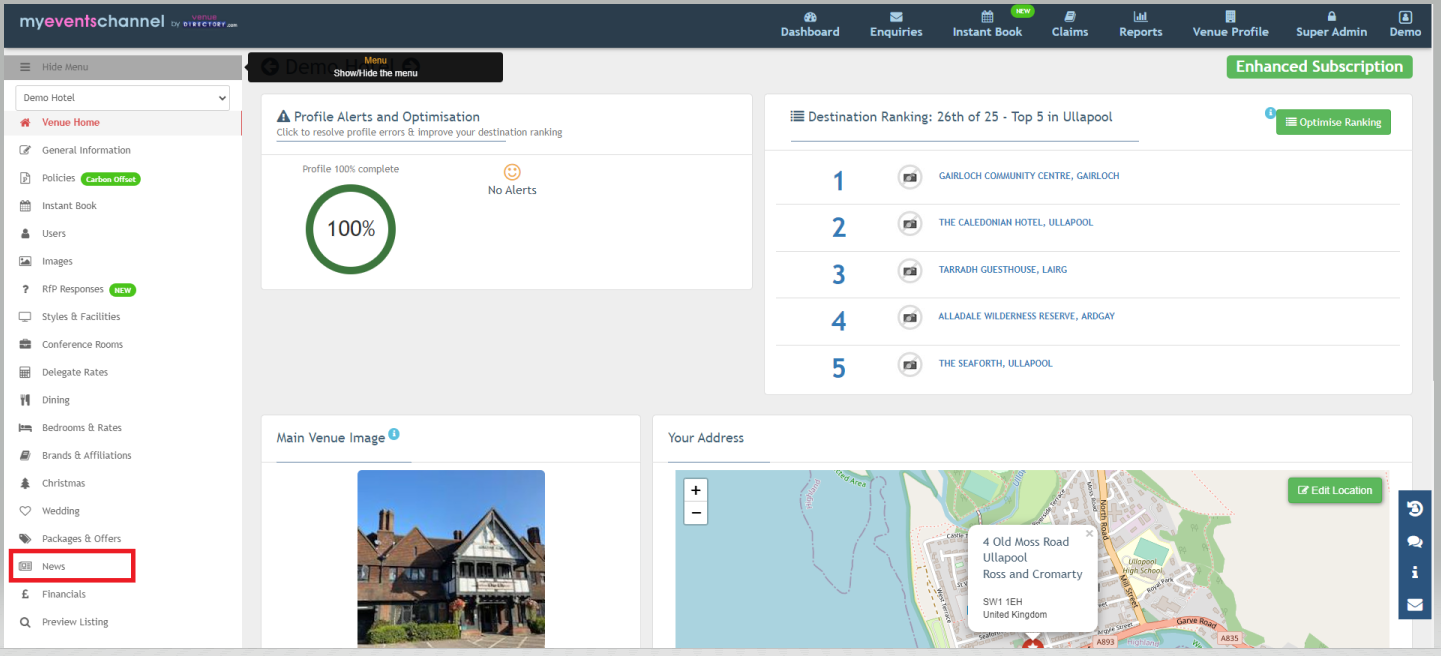
This will bring up the venue dashboard. From the left hand side navigate to the "News" section.
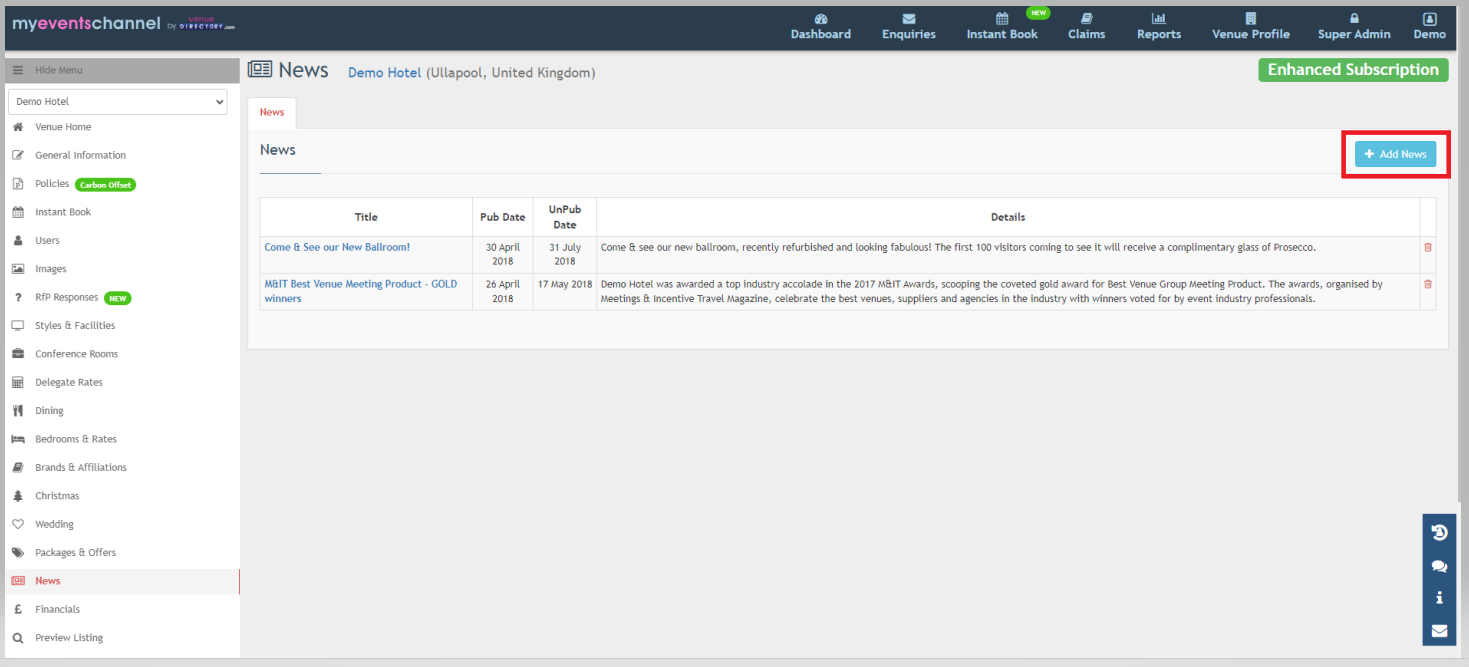
This will take you to the news section where you can either add a new article or amend an existing article.
Select the "Add News" button.
This will take you to the "News" page where you can add your news article.
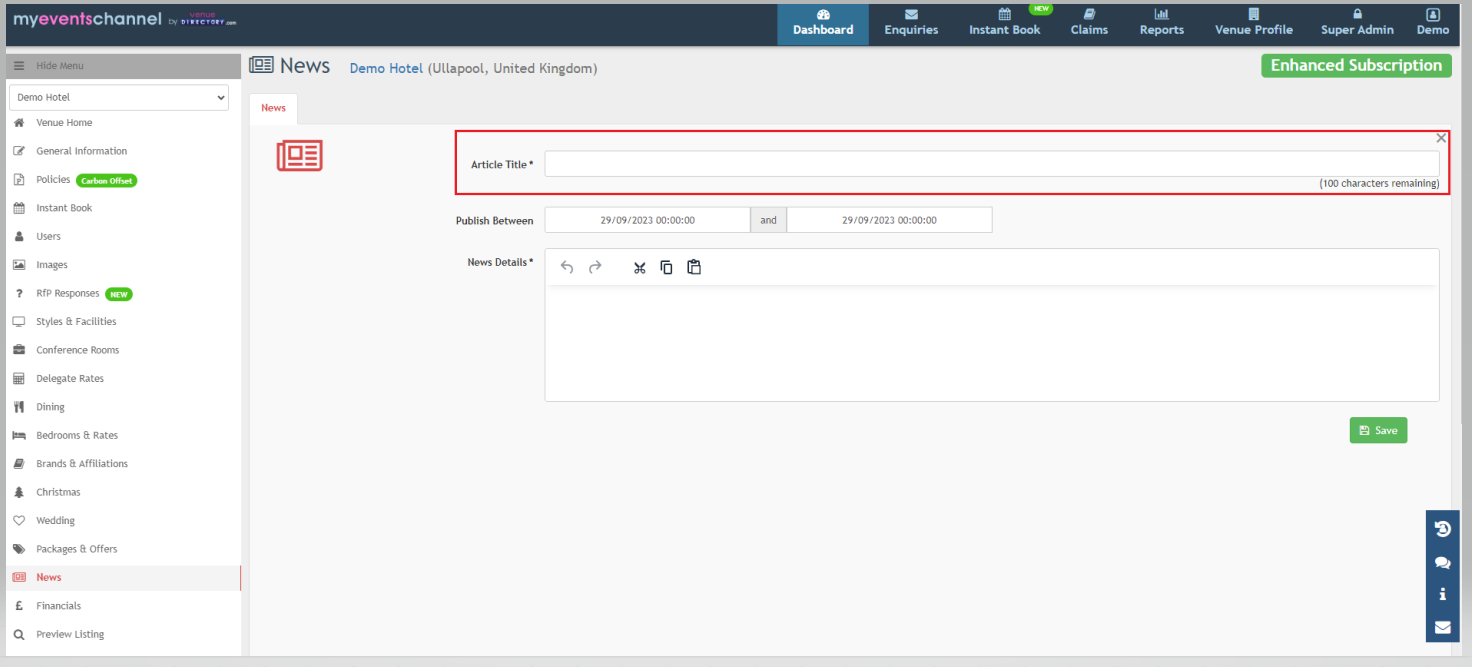
You must enter the title of the article which you wish to publish.
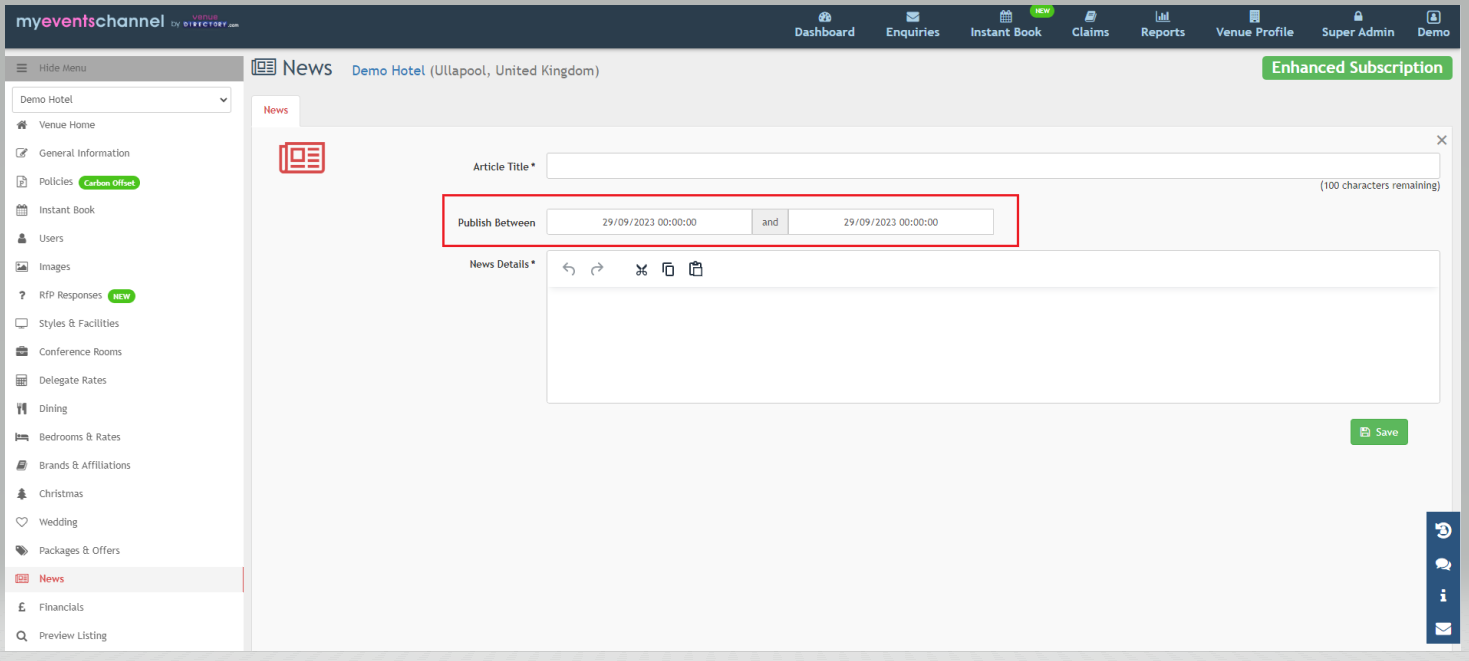
Next add the dates you would like to publish the article between. The article will then show on the front end of venuedirectory.com in the News and Offers section during those dates and will be removed once those dates have passed.
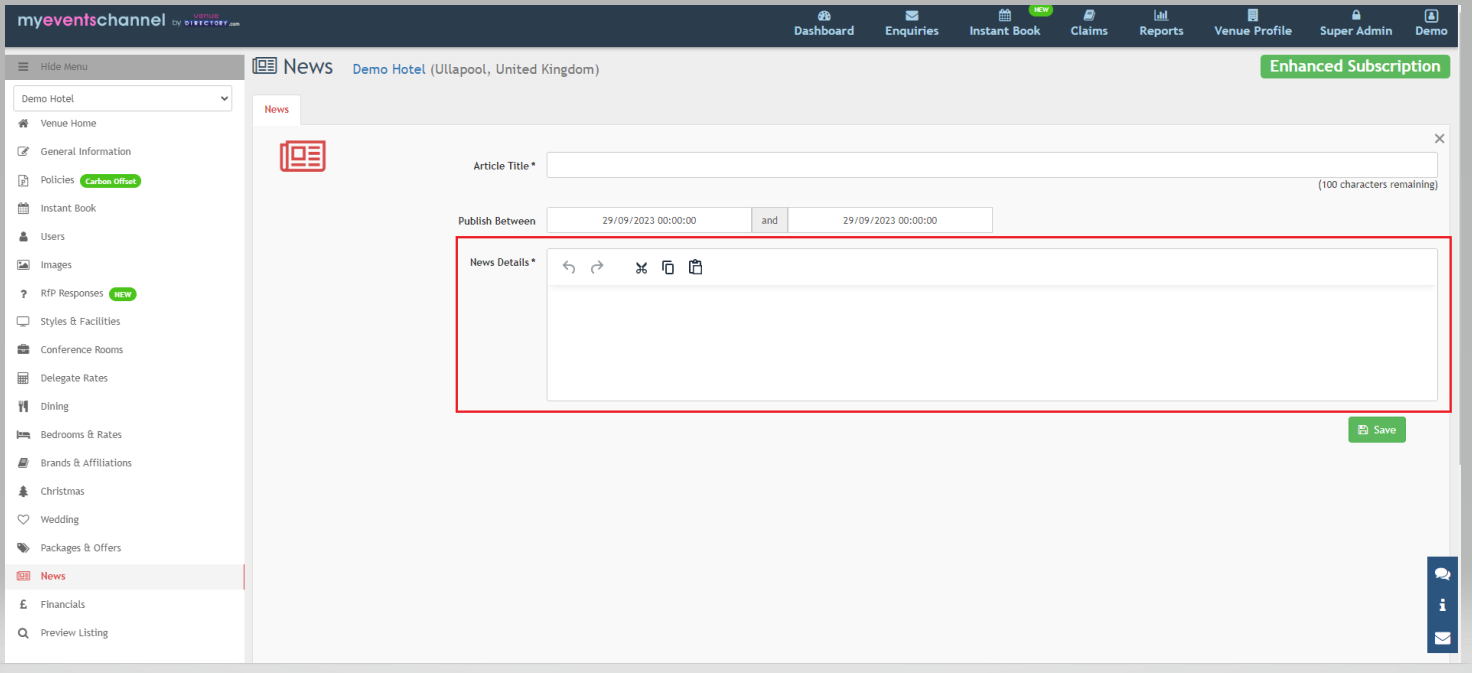
Finally you can enter the news article details in the news box.
Amending or Deleting An Existing Article
To view an existing article, log in to www.myeventschannel.com. Select the venue profile and click the "News" tab.
To edit an existing article, simply click on the article title and then when you come to the article, make the required amendments.
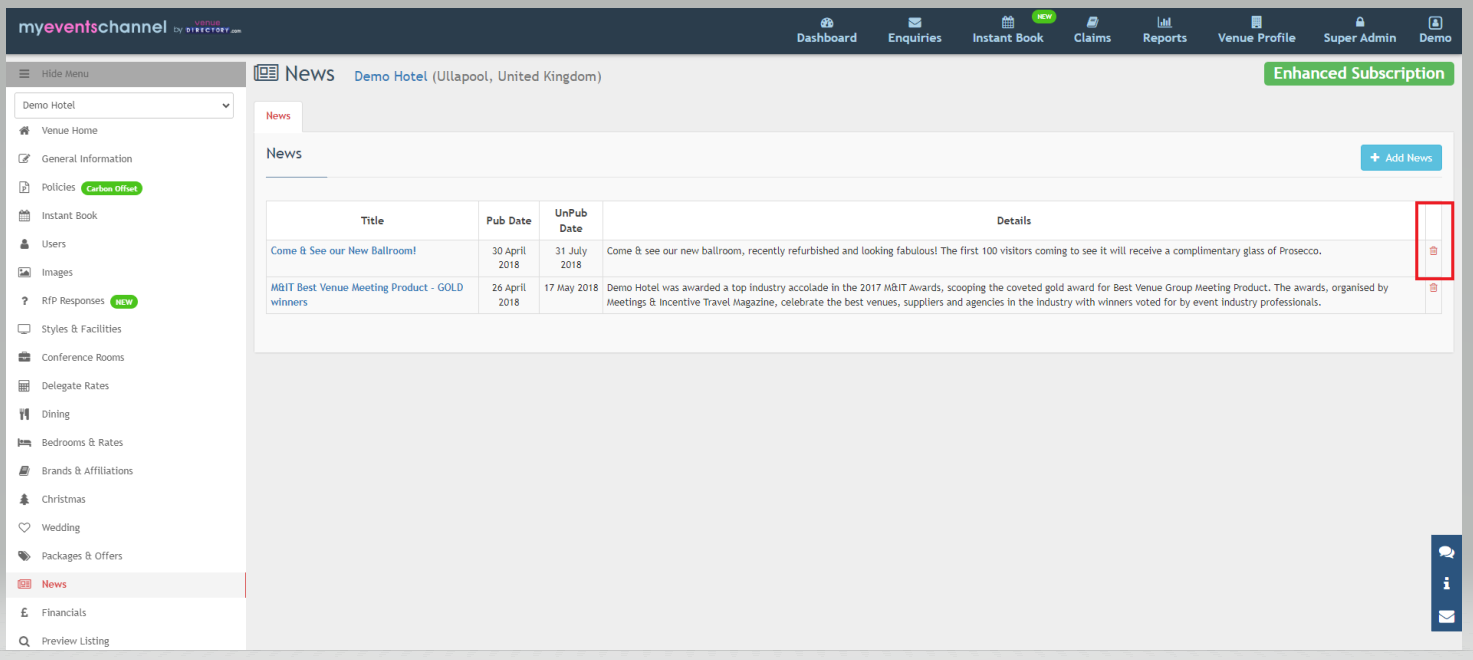
To delete the article click on the bin icon to the far right of the article.
Was this article helpful?
That’s Great!
Thank you for your feedback
Sorry! We couldn't be helpful
Thank you for your feedback
Feedback sent
We appreciate your effort and will try to fix the article